
Professional Operations
Your stack is full. Your team still does everything by hand.
Qurio gives each function a named agent that reads your files, answers status questions, and creates tasks from reports.
What professional operations teams deal with every week
Status lives in too many places
OneDrive, Teams, Gmail, and someone's memory. "What's current on Acme?" starts a scavenger hunt.
Generic AI doesn't touch your files
Copilot and ChatGPT answer in chat. They don't open your internal docs or file the task in ClickUp.
Task tools don't create work from output
ClickUp tracks fine. Turning last week's report into assigned tasks is still on you, every time.
How Qurio handles it
Cross-tool knowledge base
You get named agents (ops, finance, client delivery) on the same file context. Ask any of them; answers match what's in Drive and Teams.
- Named agents per function
- Shared file context
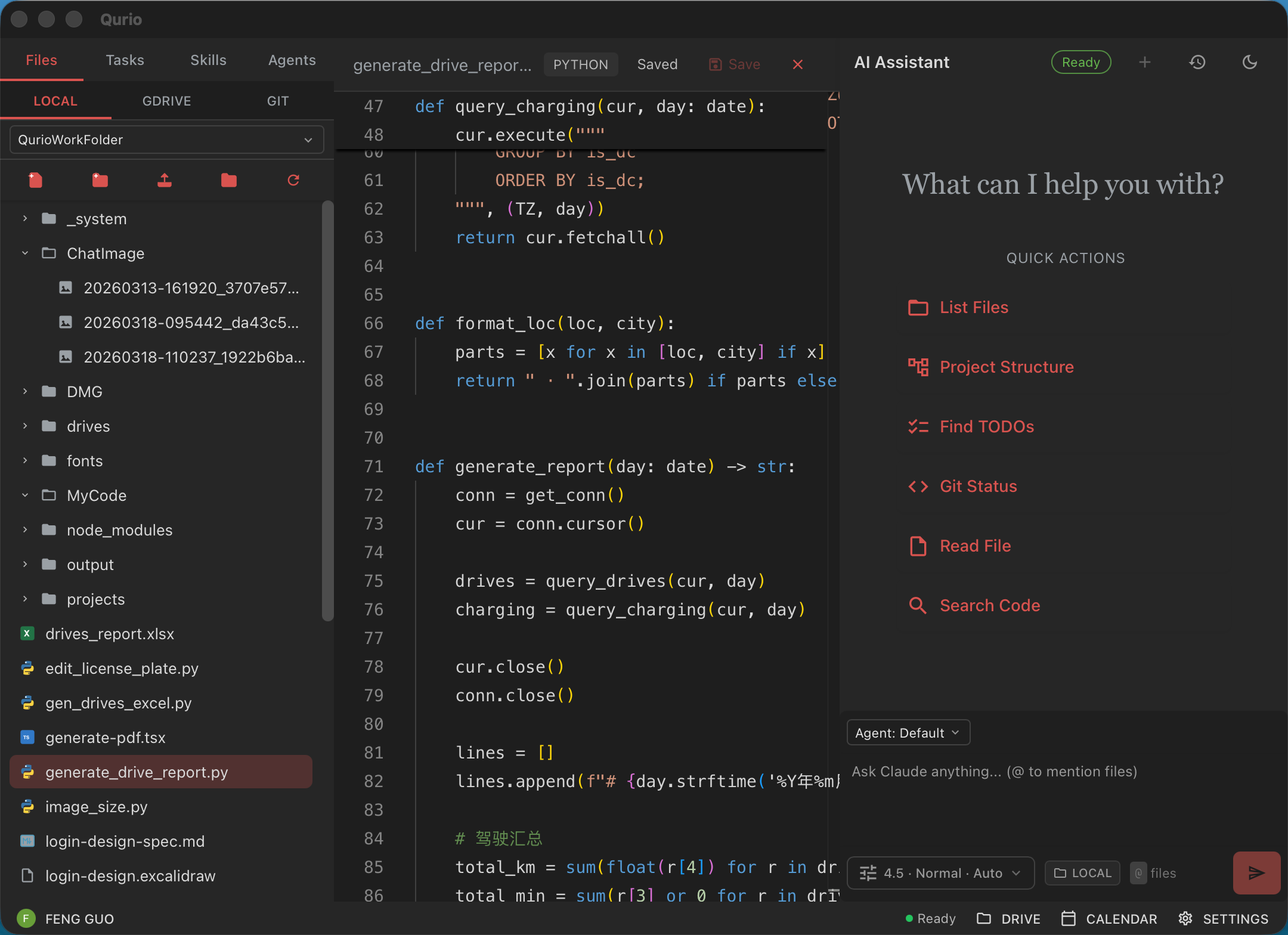
Placeholder: Vertical-specific UI screenshot: cross-tool knowledge base.
Analysis that becomes tasks
Qurio reads spreadsheet outputs and reports, then creates assigned tasks. What the team produced actually gets done.
- Report-to-task
- ClickUp and similar
Placeholder: Vertical-specific UI screenshot: analysis that becomes tasks.
Ops coordination across Microsoft 365 and Google
Briefings, status replies, and follow-ups across OneDrive, Teams, Drive, and Gmail. One layer on top of the apps you already pay for.
- Microsoft 365 and Google
- Briefings and follow-ups
Placeholder: Vertical-specific UI screenshot: ops coordination across microsoft 365 and google.
Also handles
Other workflows we see in this vertical.
- Invoice and document triage
- Project tracking across role changes
- Internal AI and automation initiatives
- Multi-department agent setup
- CRM and pipeline updates
Meetings or hours saved
“Placeholder: ops director on named agents that read their files and create tasks from reports.”
Placeholder: Real professional operations customer quote with headshot and verified metric.
Built for professional operations. Start for free.
No credit card · Google & Microsoft 365 · Cancel anytime