
What Qurio runs for you
Coordination across your stack first. Everything else is below if you need it.
One question, every connected tool
Qurio pulls status, files, and threads from your stack and answers in plain English. One question instead of four app switches.
Try this free→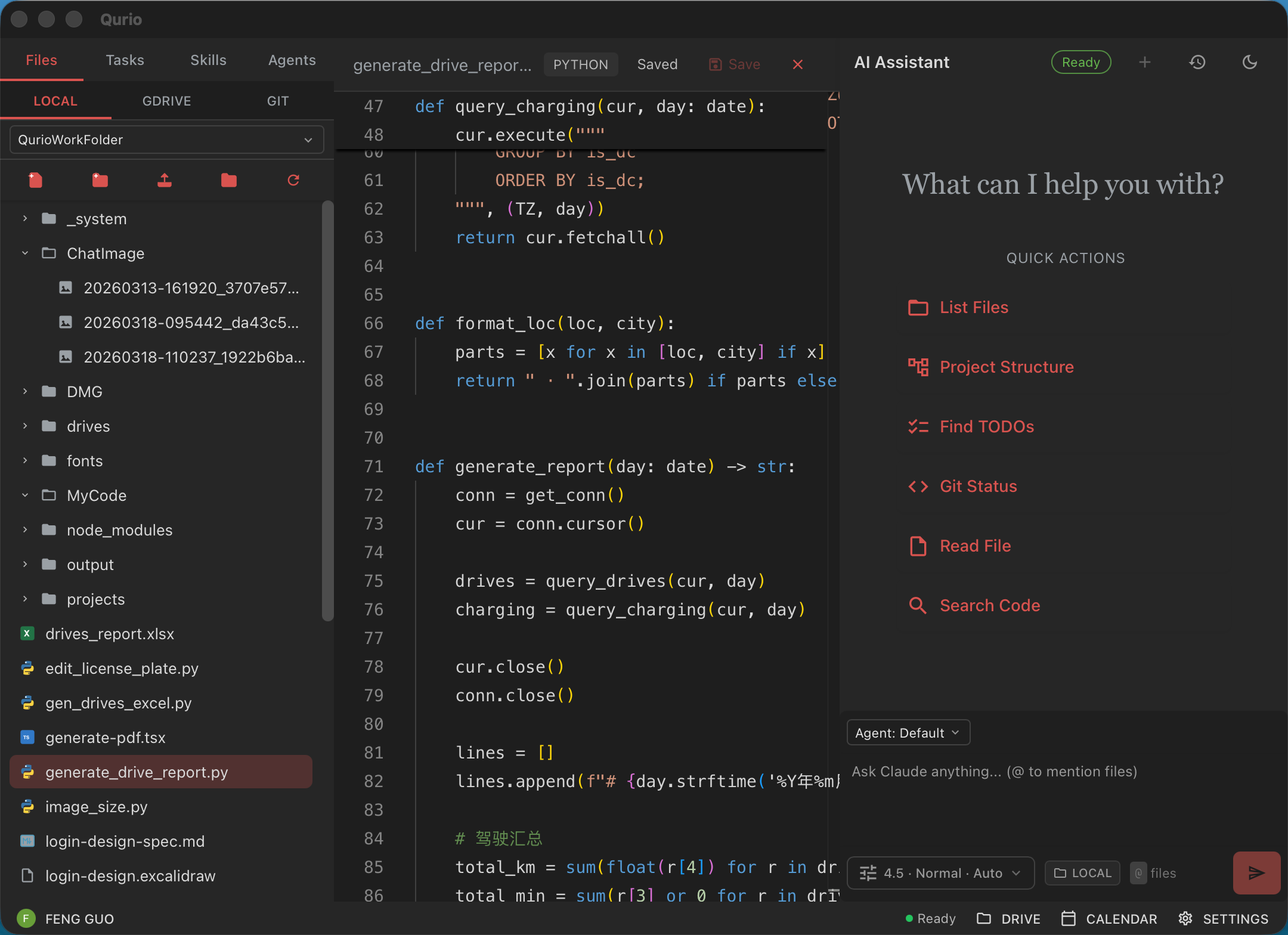
Placeholder: Product screenshot with callout labels for: one question, every connected tool.
Summaries without the spreadsheet
Qurio reads OneDrive or Google Drive folders and writes read-only briefs on vendor batches, project files, and reports. You skim; you don't open every attachment.
Try this free→Placeholder: Product screenshot with callout labels for: summaries without the spreadsheet.
Tasks from the report
Finished analysis becomes assigned work in ClickUp or your task manager. The report leads somewhere.
Try this free→Placeholder: Product screenshot with callout labels for: tasks from the report.
Meet people on their channels
Email, chat, SMS, voice. Field crews and floor staff get briefings where they already look. No training rollout.
Try this free→Placeholder: Product screenshot with callout labels for: meet people on their channels.
Context after someone leaves
Named agents share file context across ops, finance, and delivery. When roles change, the next person can still query project history.
Try this free→Placeholder: Product screenshot with callout labels for: context after someone leaves.
Also supports
Follow-ups, social, Canva, CRM updates, and onboarding if your shop still runs those workflows.
Follow-ups from your inbox
Qurio spots unanswered Gmail threads and drafts replies. Leads hear back while you're in a meeting.
Try this free→Placeholder: Product screenshot with callout labels for: follow-ups from your inbox.
Scheduling without the email ping-pong
Qurio reads Google Calendar and proposes times in plain language. Fewer threads, fewer no-shows.
Try this free→Placeholder: Product screenshot with callout labels for: scheduling without the email ping-pong.
Post everywhere from one instruction
One message schedules Instagram, Facebook, and LinkedIn. Handy for consulting shops that still run client social.
Try this free→Placeholder: Product screenshot with callout labels for: post everywhere from one instruction.
Files organized in shared drives
Qurio moves, renames, and files documents in Google Drive or OneDrive from instructions you give it.
Try this free→Placeholder: Product screenshot with callout labels for: files organized in shared drives.
CRM and tracker updates
Qurio updates Airtable and Google Sheets from email and calendar activity. Pipeline stays current without retyping.
Try this free→Placeholder: Product screenshot with callout labels for: crm and tracker updates.
Client onboarding sequences
Welcome emails, document requests, and reminders on missing files. Less chasing paperwork on new accounts.
Try this free→Placeholder: Product screenshot with callout labels for: client onboarding sequences.
Design assets in Canva
Qurio updates social graphics and client decks in Canva from your instructions, using your templates.
Try this free→Placeholder: Product screenshot with callout labels for: design assets in canva.